Mounting Instructions – Fan Shroud Set S19/S21
8-inch set with PSU adapter
Which variant?
With fans – Stock fans stay installed. Airflow is routed through ducts.
Without fans – Stock main fans are removed and replaced by an external inline fan. Significantly quieter.
Step 1 – Remove fan grilles
All marked fan grilles will be removed in the next step:
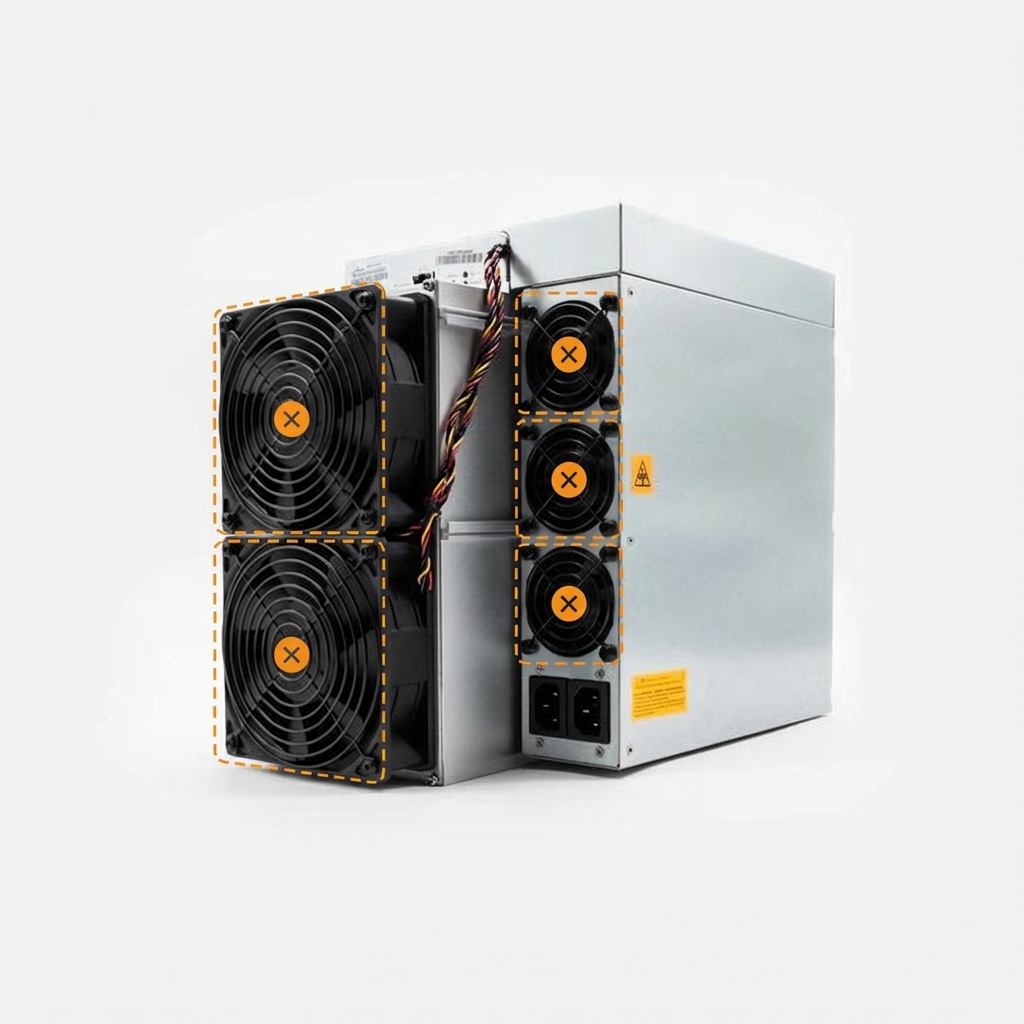
Lay the miner on its side. This prevents the PSU fans from shifting when you loosen the screws. Remove all fan grilles – main fans and PSU fans. Hold the large fans in place as they will come loose and may fall out.
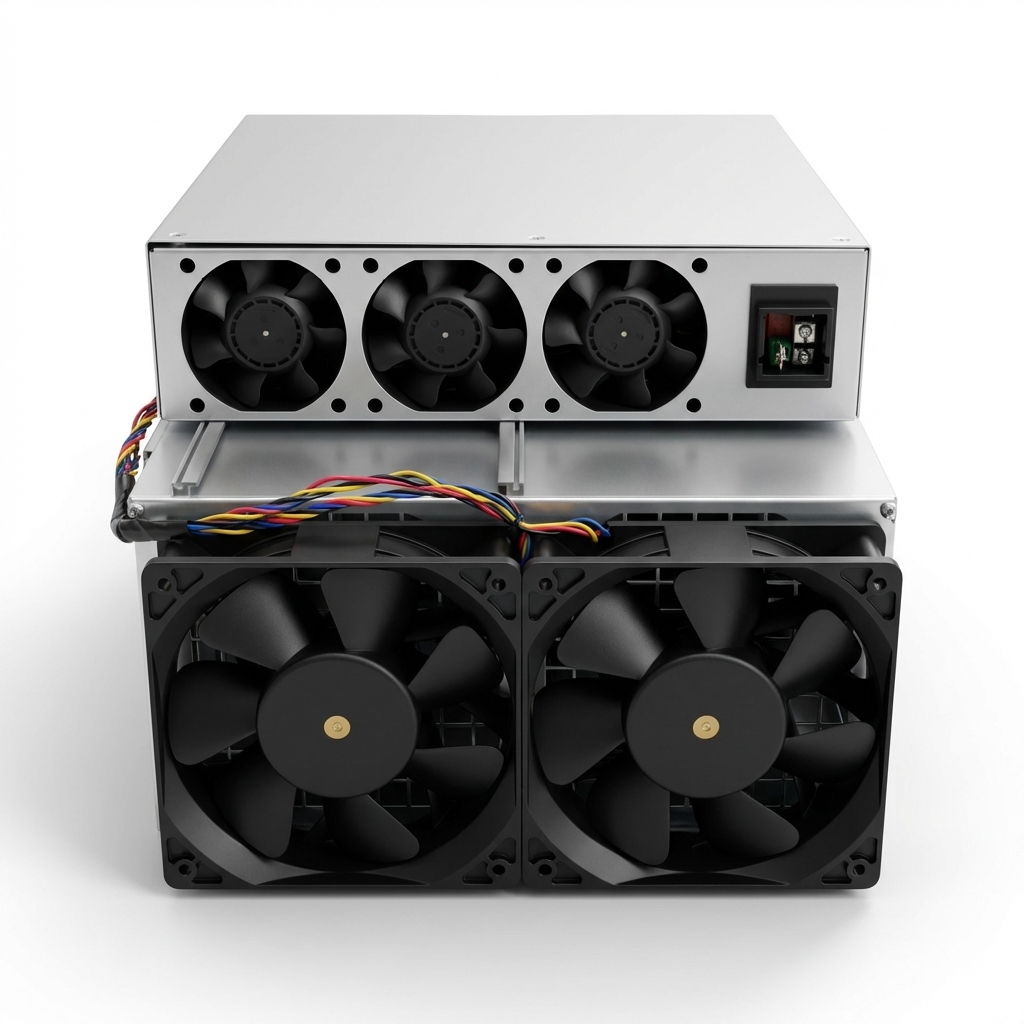
Without fans only: Remove the main fans completely and disconnect the cables from the control board.
Without fans
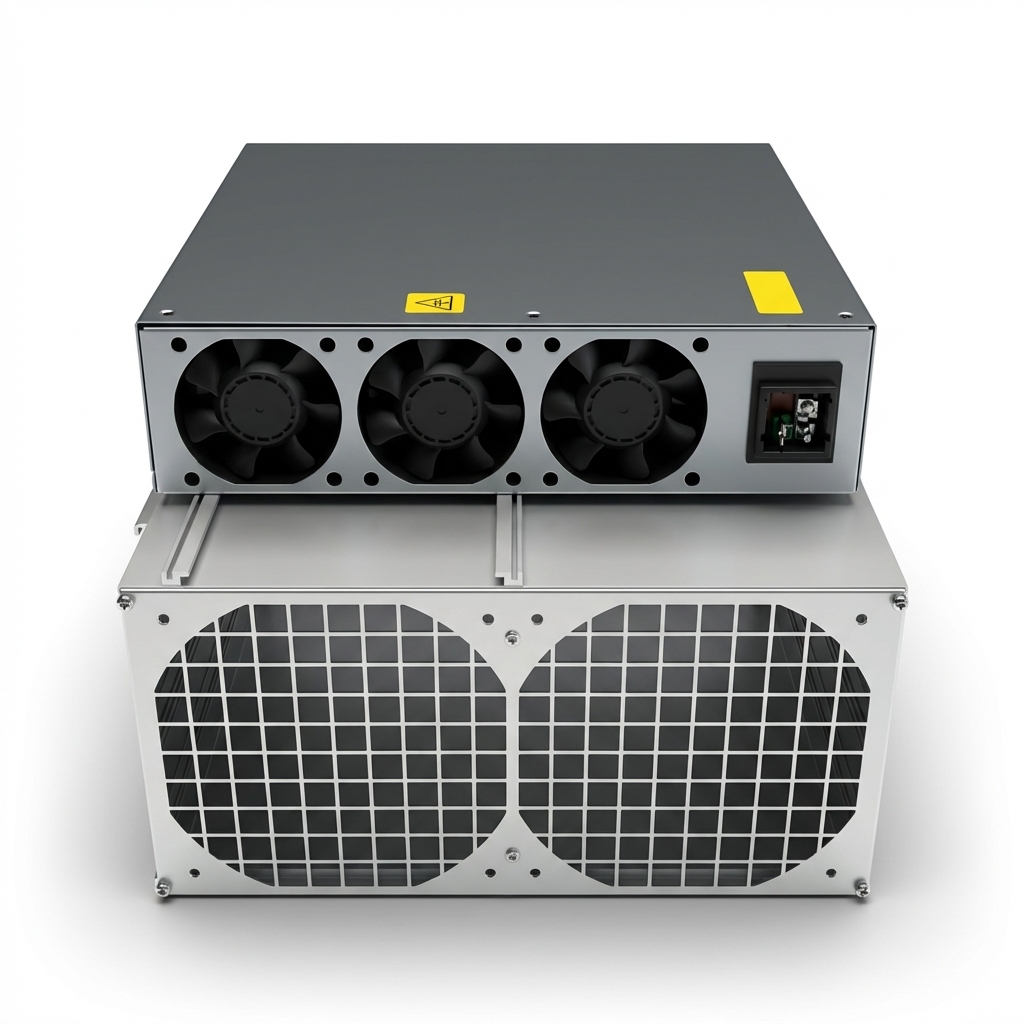
With fans
Step 2 – Mount PSU adapter
With fans: Use the longer adapter.
Without fans: Use the shorter adapter.
Secure with the original screws.
Without fans
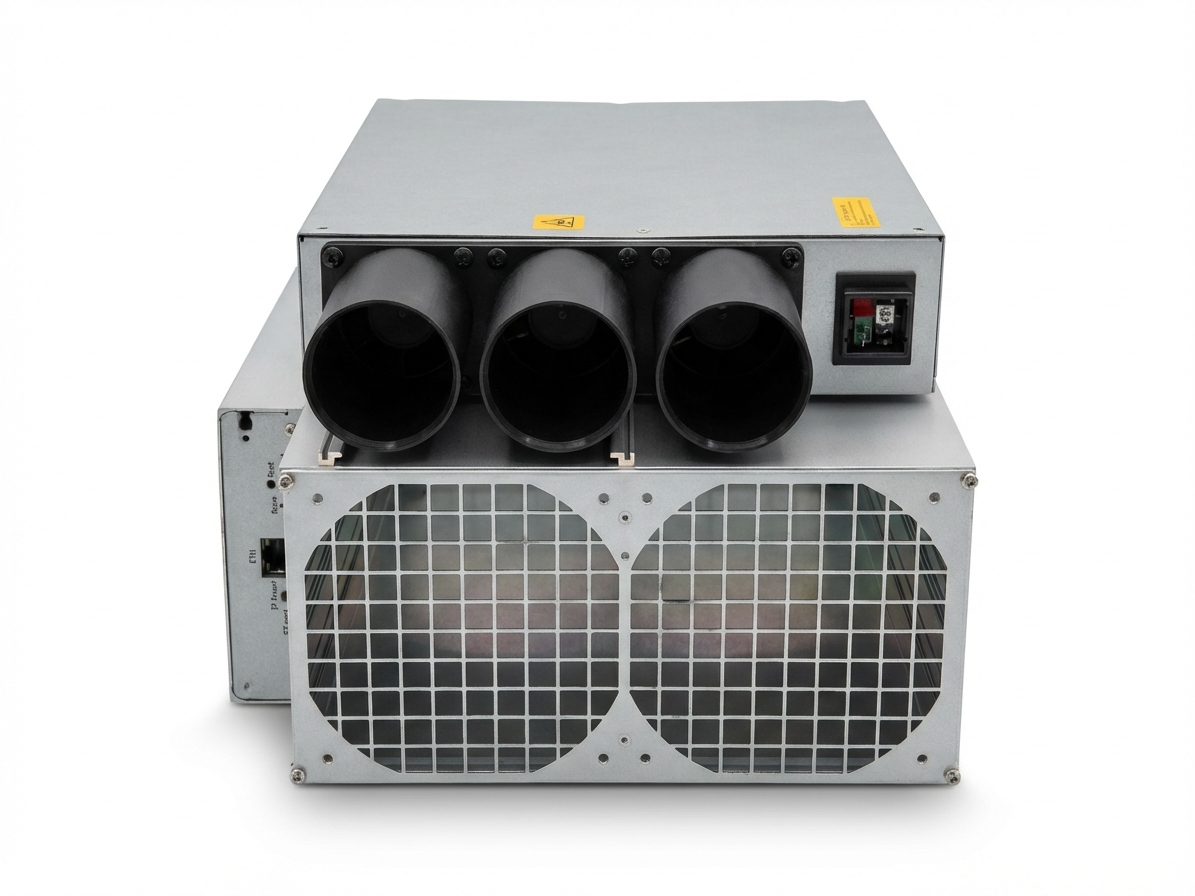
With fans
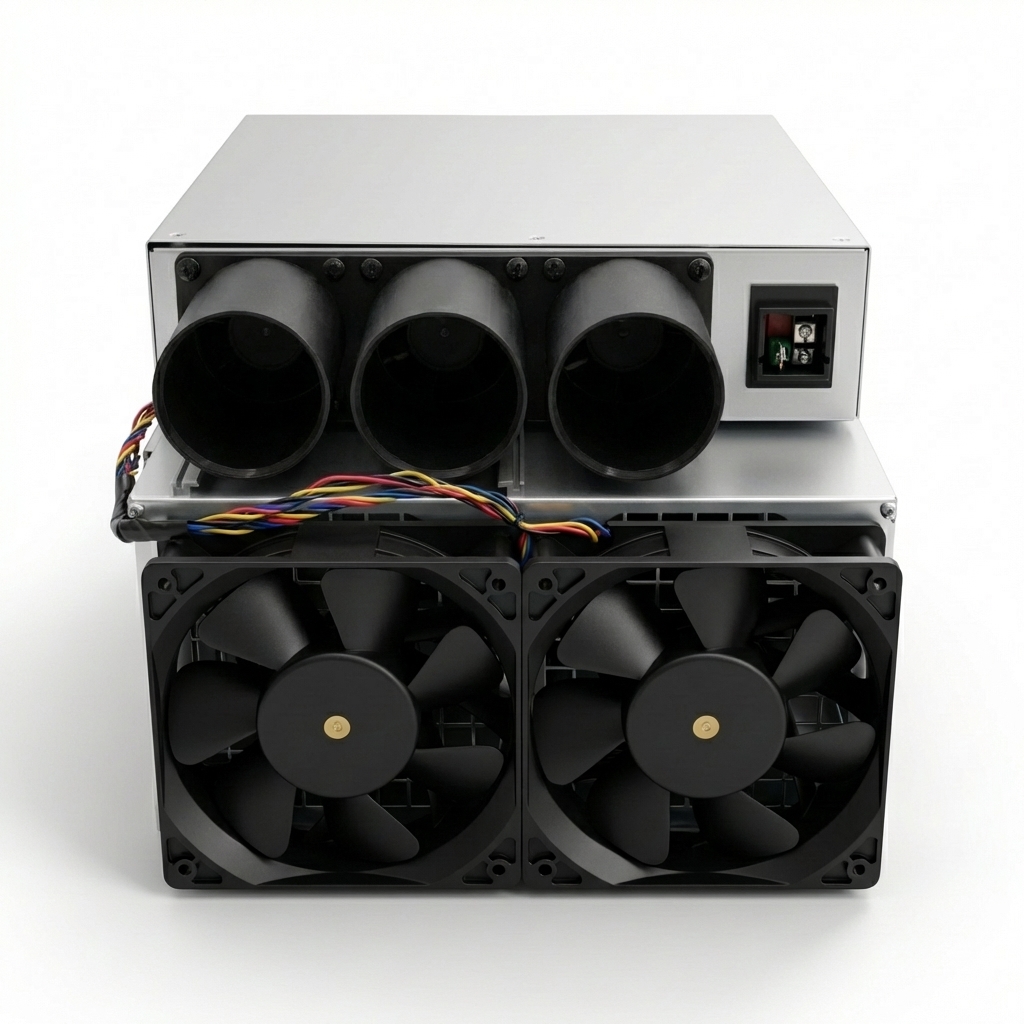
Step 3 – Mount fan shroud
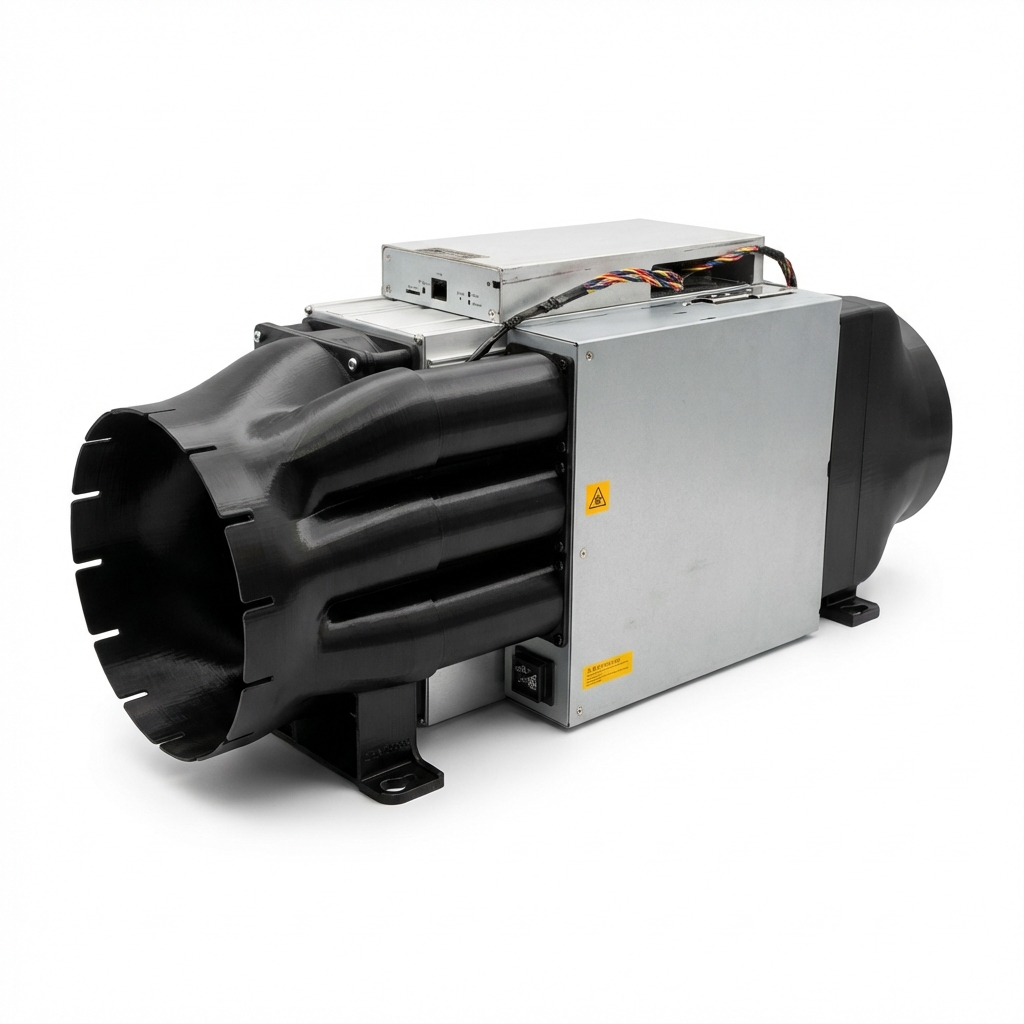
Hold the fan shroud against the fans and slide it onto the 3 tubes of the PSU adapter. Insert all 8 screws loosely first, then tighten evenly.
With fans: Long screws (M4 x 50).
Without fans: Short screws (M4 x 10).
Exhaust side
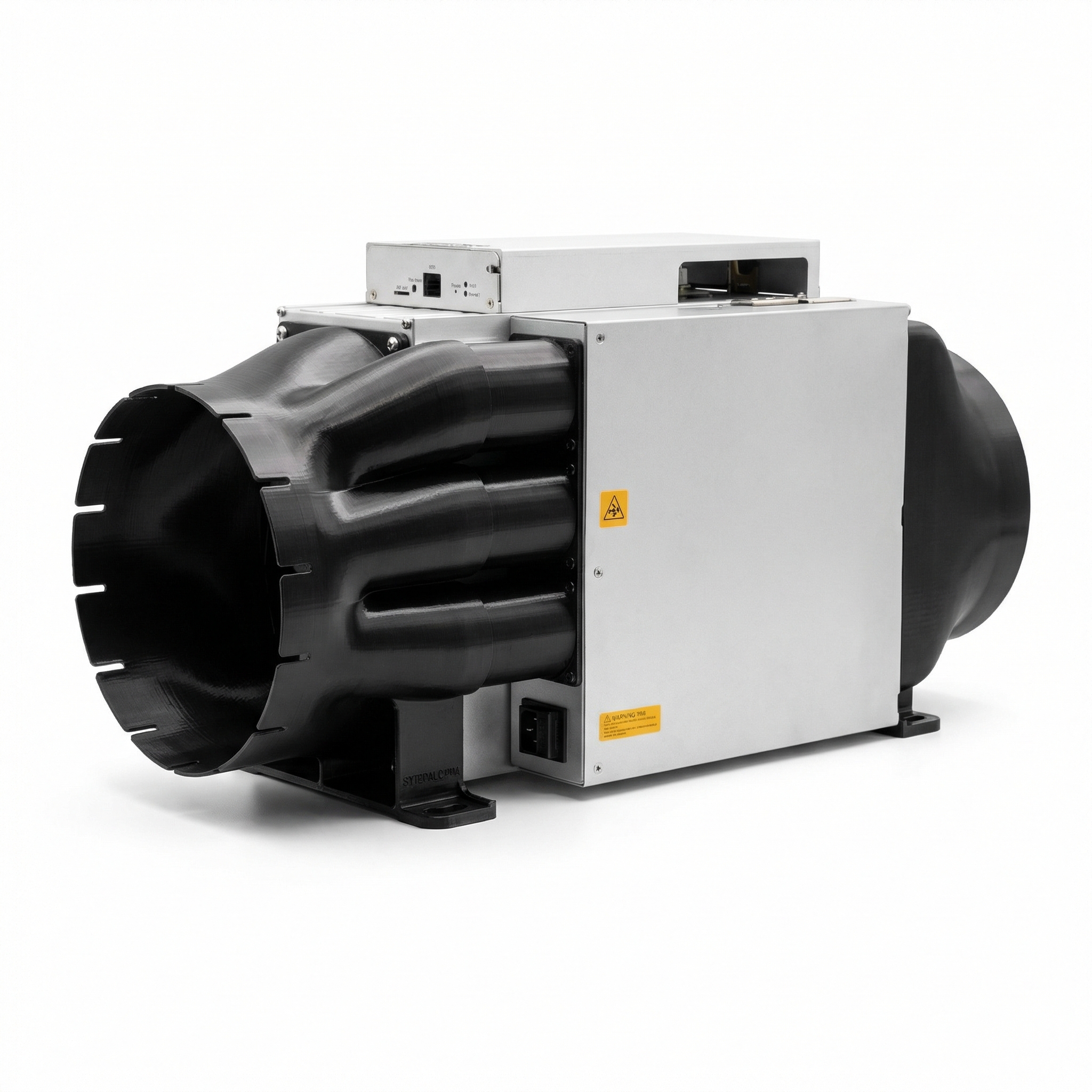
Same procedure as the intake side: remove grilles (without fans: remove fans), insert the exhaust adapter into the fan shroud – it clicks into place audibly and holds firmly. Secure the shroud with the appropriate screws.
Done
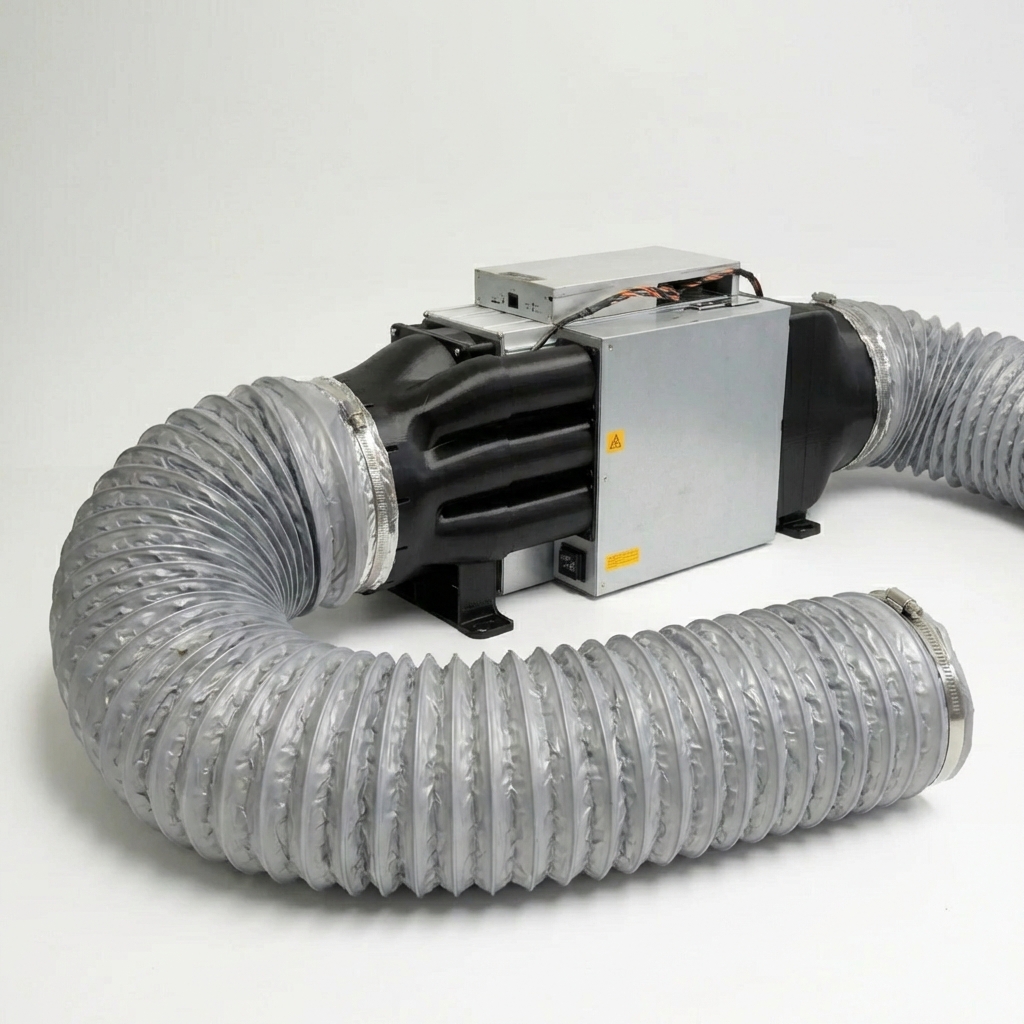
With fans: Attach ducts – done.
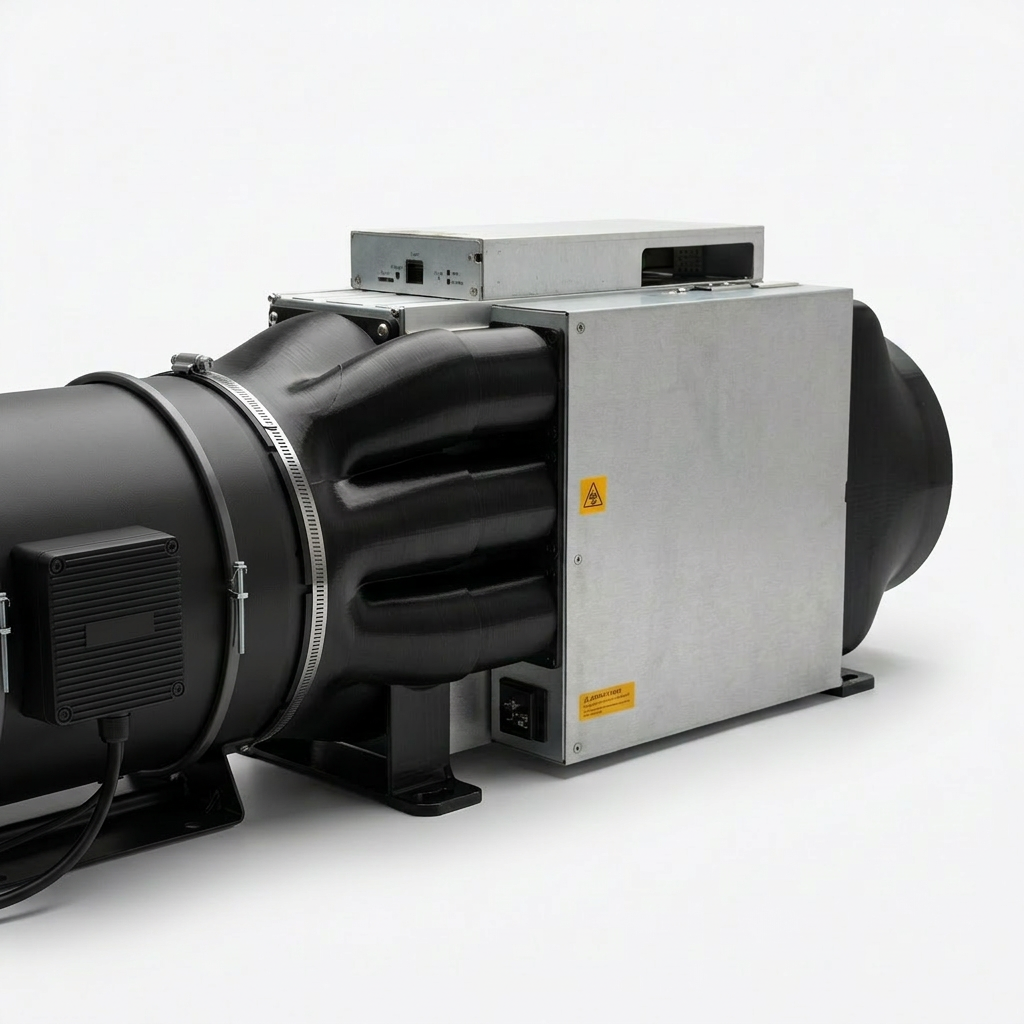
Without fans: Slide inline fan into the intake shroud, attach duct on the exhaust side – done.
With fans
Without fans
Notes
- Tighten screws hand-tight – do not overtighten.
- You can switch between both variants at any time. Adapters and screws for both are included in the set.
- Not compatible with S21+, S21 Pro and S21 XP (2 × 140mm fans).
Questions about installation?
Contact us via WhatsApp, Telegram or contact form – photos welcome.